Instant AI Identification
Take a photo or upload from your gallery. Get species name, scientific name, habitat, size info, and confidence score in seconds.
Fillet Found turns your phone into a pocket marine biologist. Snap a photo, get instant species identification, explore fishing zones, and discover recipes for your catch.


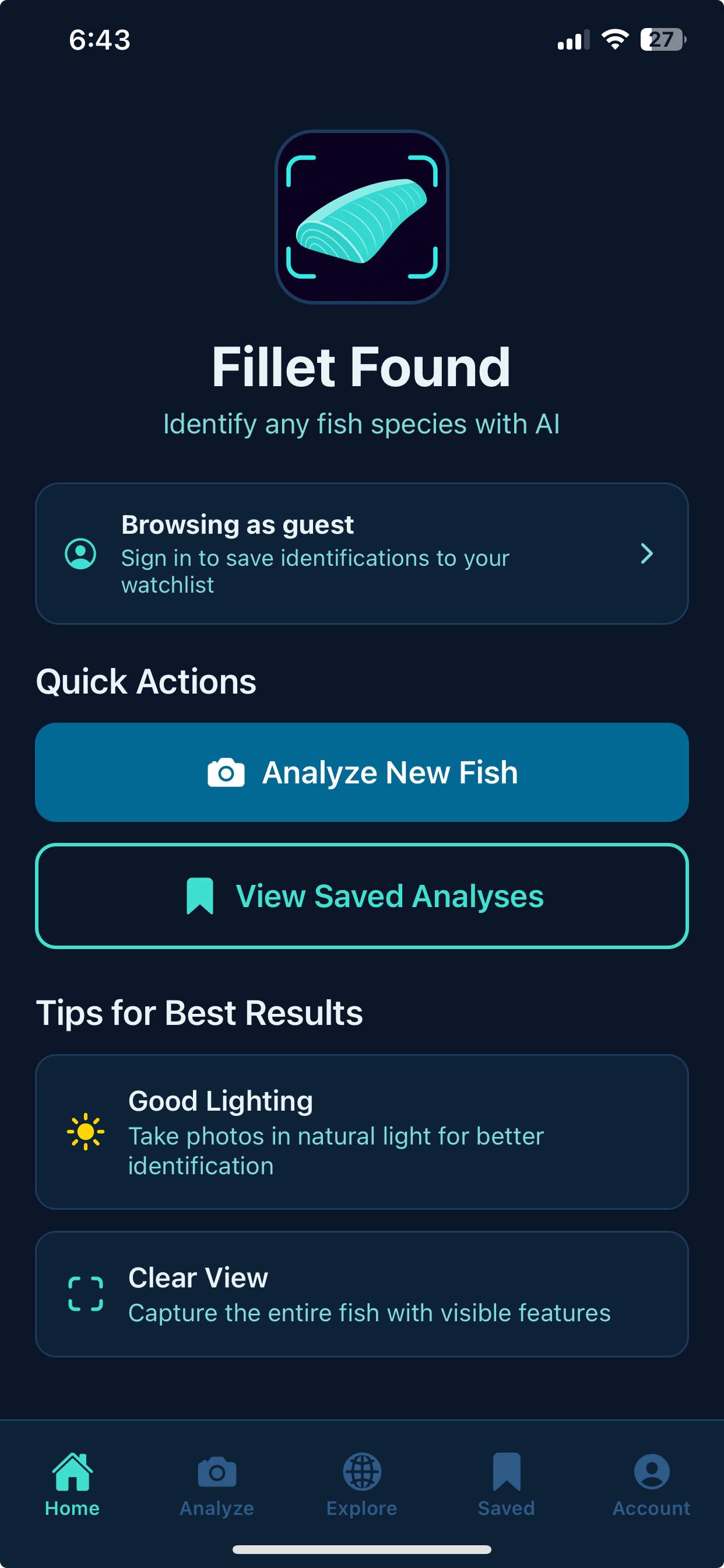
From identification to exploration, Fillet Found keeps anglers, divers, and curious beachgoers informed.
Take a photo or upload from your gallery. Get species name, scientific name, habitat, size info, and confidence score in seconds.
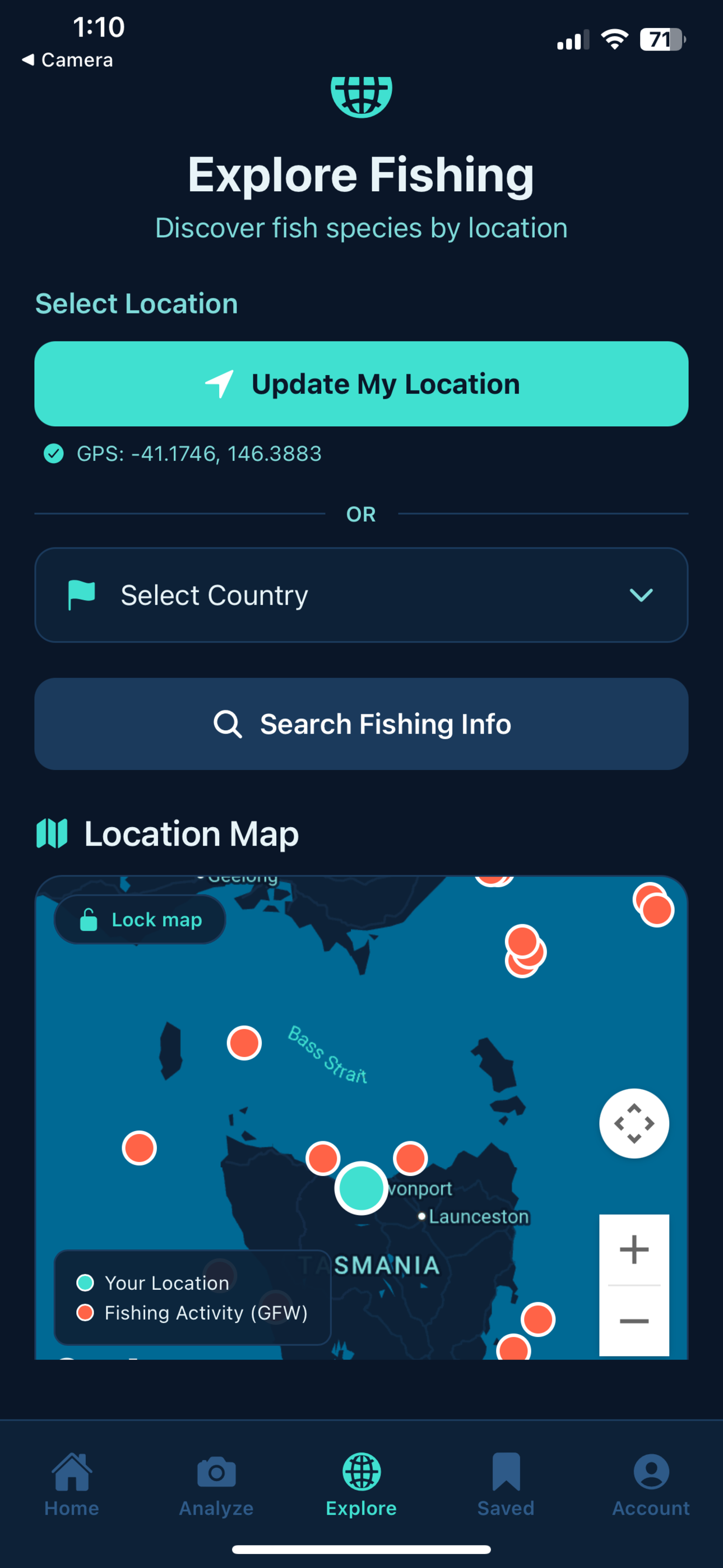
Search by GPS, country, or region. Discover local species, fishing spots, seasons, methods, and regulations.
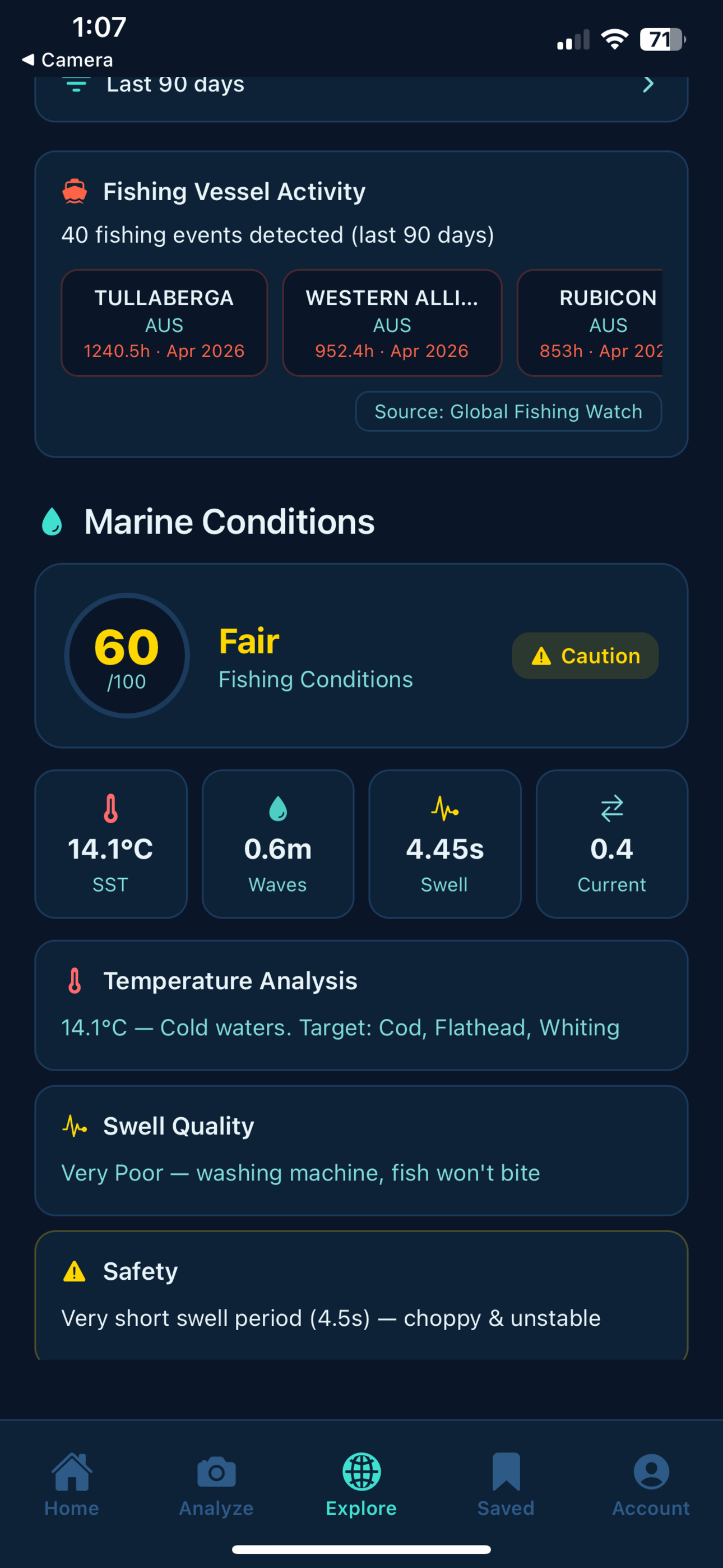
View wave height, swell, sea temperature, currents, fishing scores, and safety insights powered by Open-Meteo.
See fishing vessel activity on an interactive map with data from Global Fishing Watch.
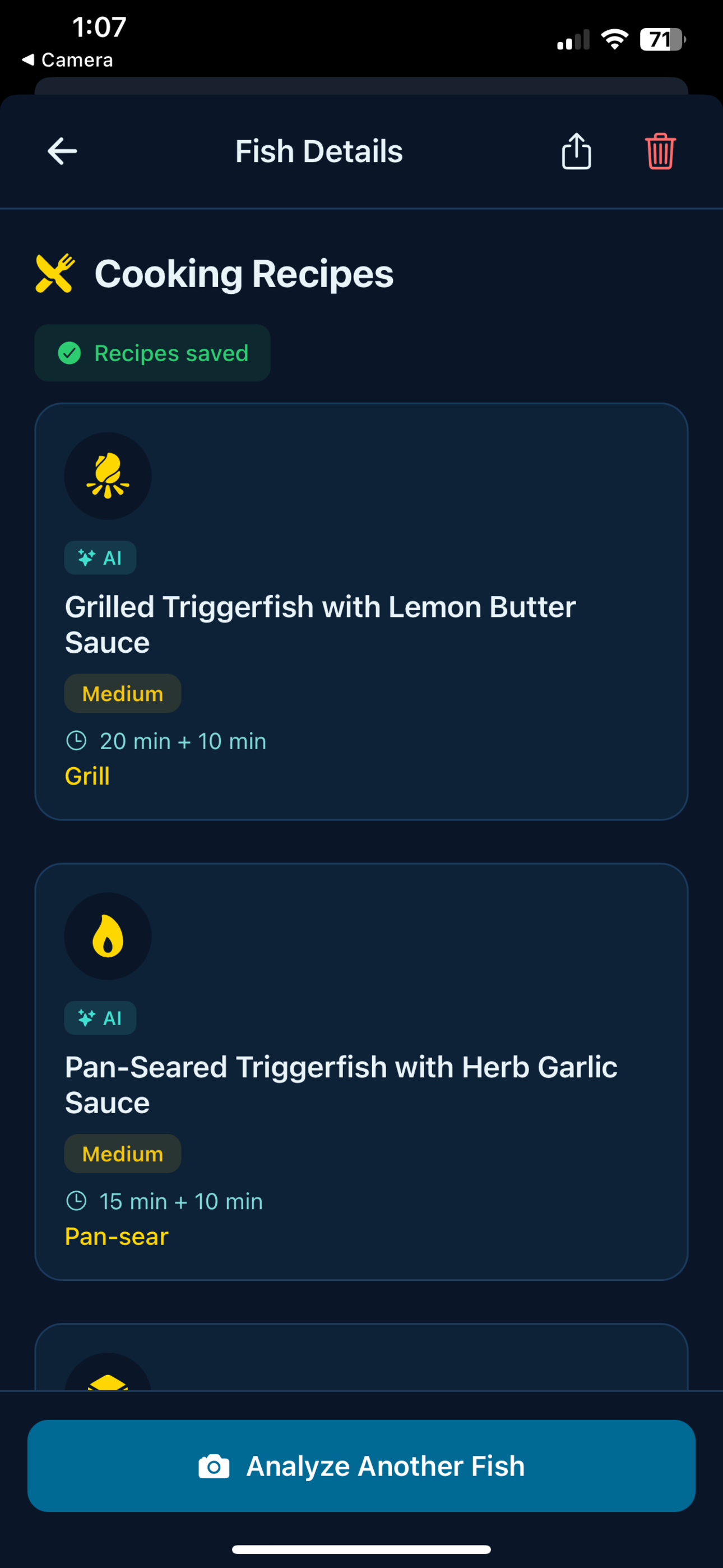
Get recipe ideas for the fish you identify — with prep time, difficulty, ingredients, and step-by-step instructions.
Save every identification, track species discovered, share results, and revisit past catches anytime.
An ocean-inspired interface that’s easy to read on deck, at the dock, or on the beach.
Start every session from a clean dashboard that tracks total scans, species discovered, and your most recent catches — so you always know where you left off.
Point your camera at any fish or marine creature, or upload from your gallery. Fillet Found sends the image to AI and returns a detailed identification in seconds.
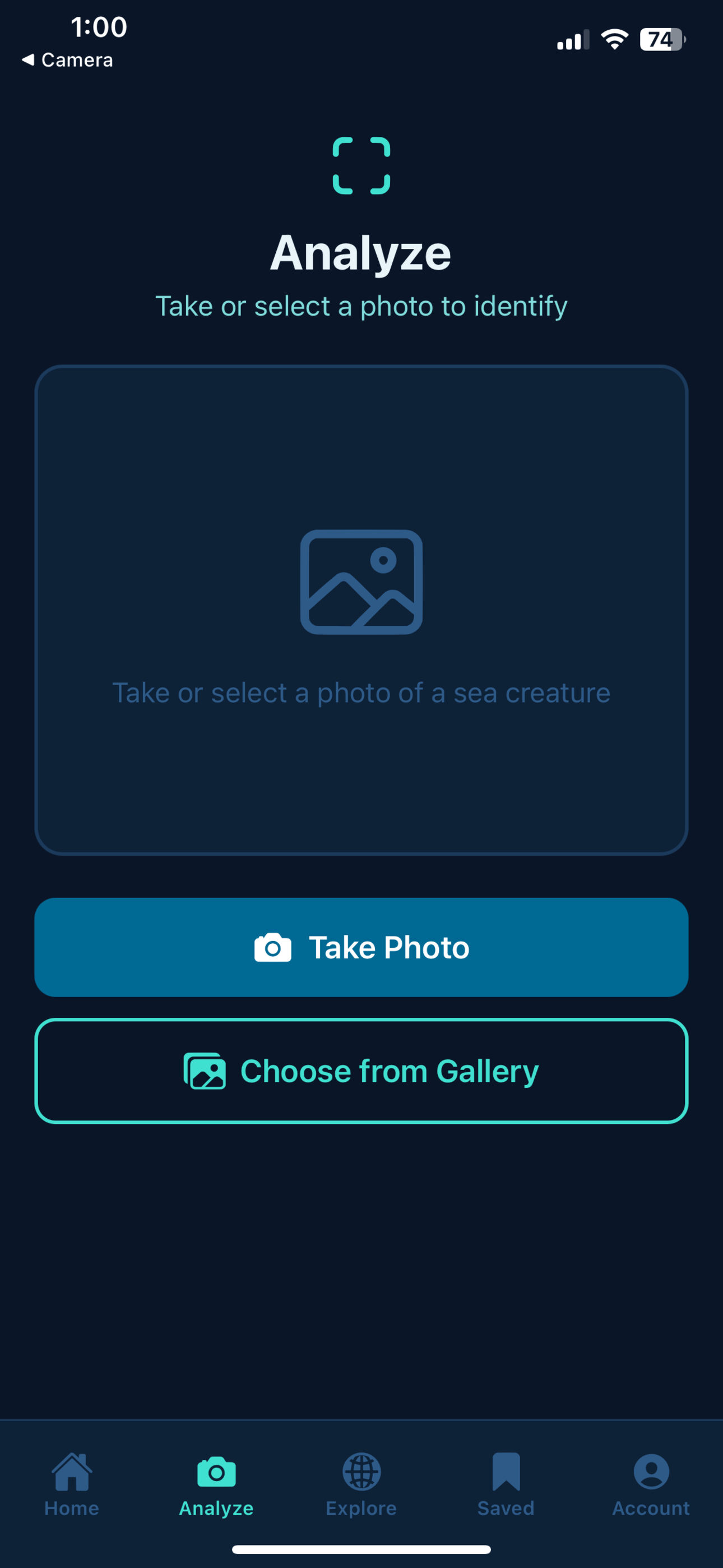
Every identification comes back with the common name, scientific family, confidence score, and rich species information — habitat, size range, and a full description.
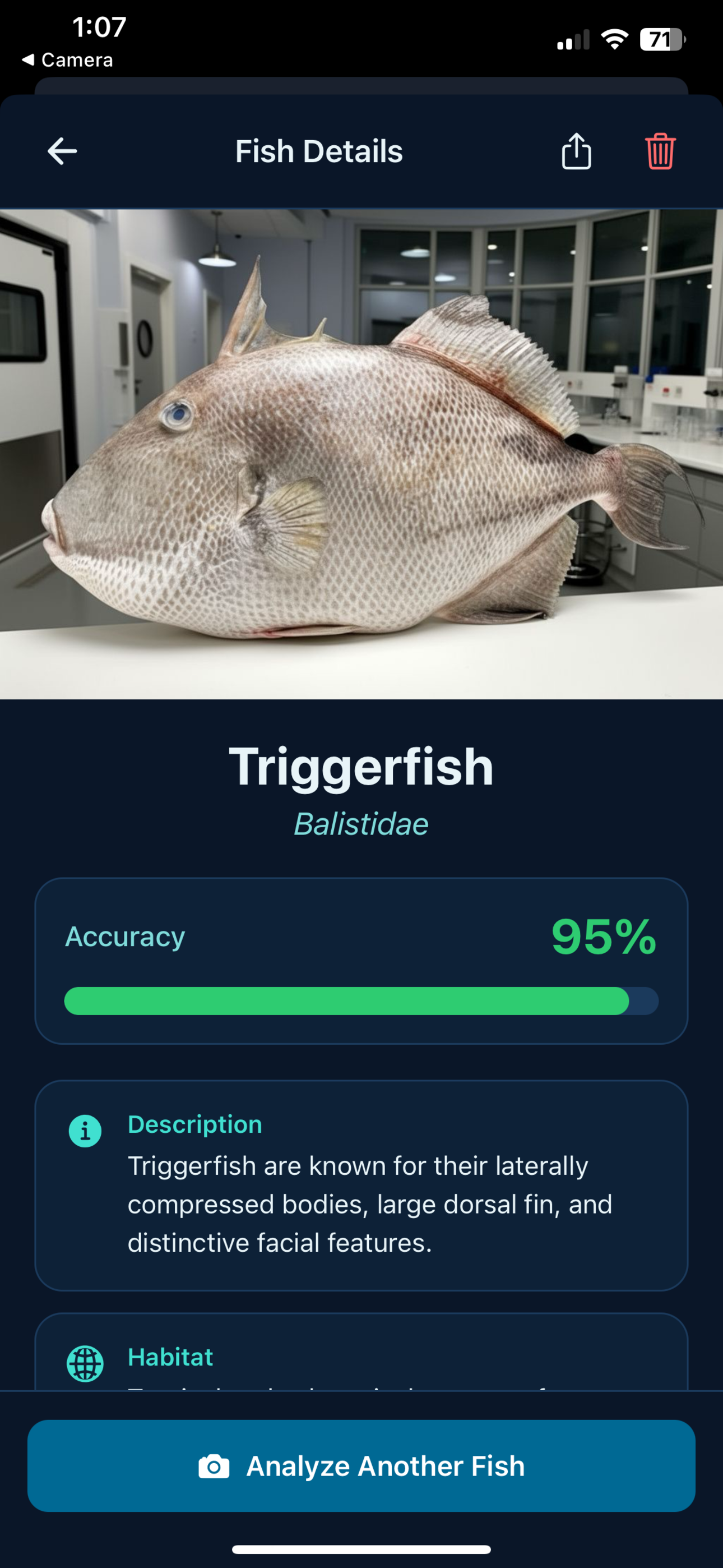
Search by GPS, country, or region to uncover local fish species, fishing overviews, best spots, seasons, and regulations — all tied to your chosen location.
Check wave height, swell, sea temperature, currents, and a fishing condition score before you head out — plus safety warnings when conditions turn rough.
Turn your identification into dinner ideas. Fillet Found generates AI-powered recipes tailored to the fish you just scanned — with prep time, difficulty, and step-by-step instructions.
Download Fillet Found on iOS and Android. Location is optional — identify species anywhere.
Quick answers about Fillet Found — the app, your data, and getting the best identifications.
Fillet Found is a mobile app that uses AI to identify fish and marine species from photos. You can also explore fishing locations, view marine conditions, see vessel activity on a map, and get AI-generated cooking recipes for species you identify.
No. You can browse the app and run identifications as a guest. Sign in when you want to save results to your watchlist, sync scan history across devices, and access your personal stats.
Results depend on photo quality, lighting, and how clearly the fish is visible. Fillet Found returns a confidence score with each match. Always treat identifications as guidance — not a substitute for local regulations, expert advice, or food-safety decisions.
Location is optional. You can identify species from a photo alone. GPS is only used when you choose location-based features on the Explore tab — such as nearby marine conditions, fishing zones, and vessel activity maps.
Marine conditions (waves, swell, sea temperature, fishing scores) are powered by Open-Meteo. Fishing vessel activity on the map comes from Global Fishing Watch. Map tiles may use Google Maps or OpenStreetMap depending on availability.
Use good natural light, capture the whole fish where possible, and avoid heavy glare on wet surfaces. You can take a photo in-app or upload an existing image from your gallery.
Core features — species identification, Explore, marine conditions, and recipes — are available in the app. Any future paid features will be clearly labelled in the app and on this site.
Photos you submit for identification are processed by our AI service. When signed in, your scan history is stored against your account. Read our Privacy Policy for full details on collection, retention, and your rights.
Open the app, go to Account, and use the delete option — or visit our Delete Account page. Deletion is permanent and removes your associated data, including scan history.
Fillet Found is available on iOS and Android. Download links appear above when the app is live on the App Store and Google Play for your region.
Email support@filletfound.com or use our Contact form. Include your device model, app version, and a short description of the issue so we can help faster.